Hyper-V vs Proxmox in 2026: What Sysadmins Must Know
Hyper-V vs Proxmox in 2026: a practical comparison for sysadmins covering cost, licensing changes, and which hypervisor fits your environment.
Hyper-V vs Proxmox in 2026: a practical comparison for sysadmins covering cost, licensing changes, and which hypervisor fits your environment.
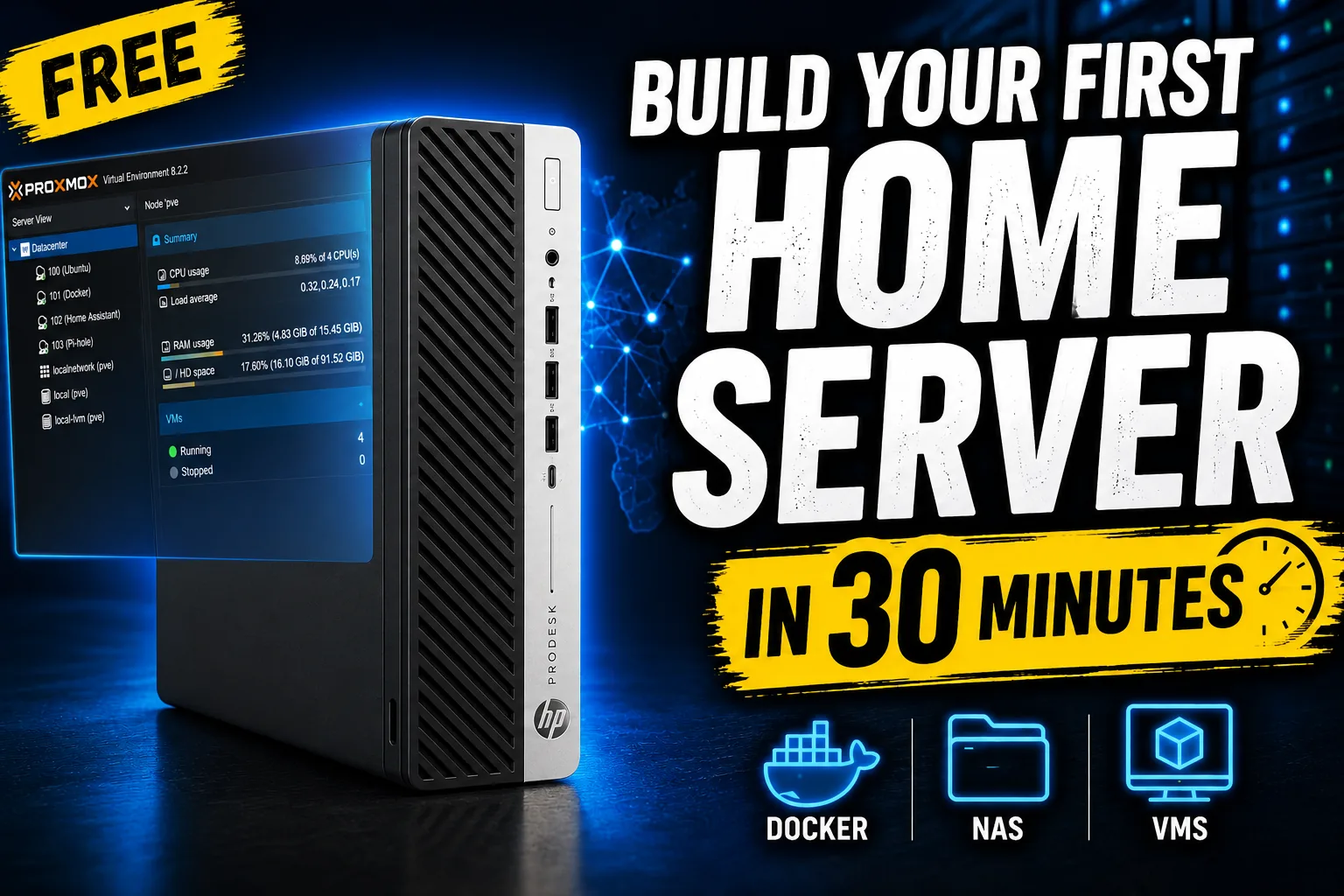
Build a home server from nothing in about 30 minutes with Proxmox VE: flash the installer, create your first VM and run a useful service. No experience needed.
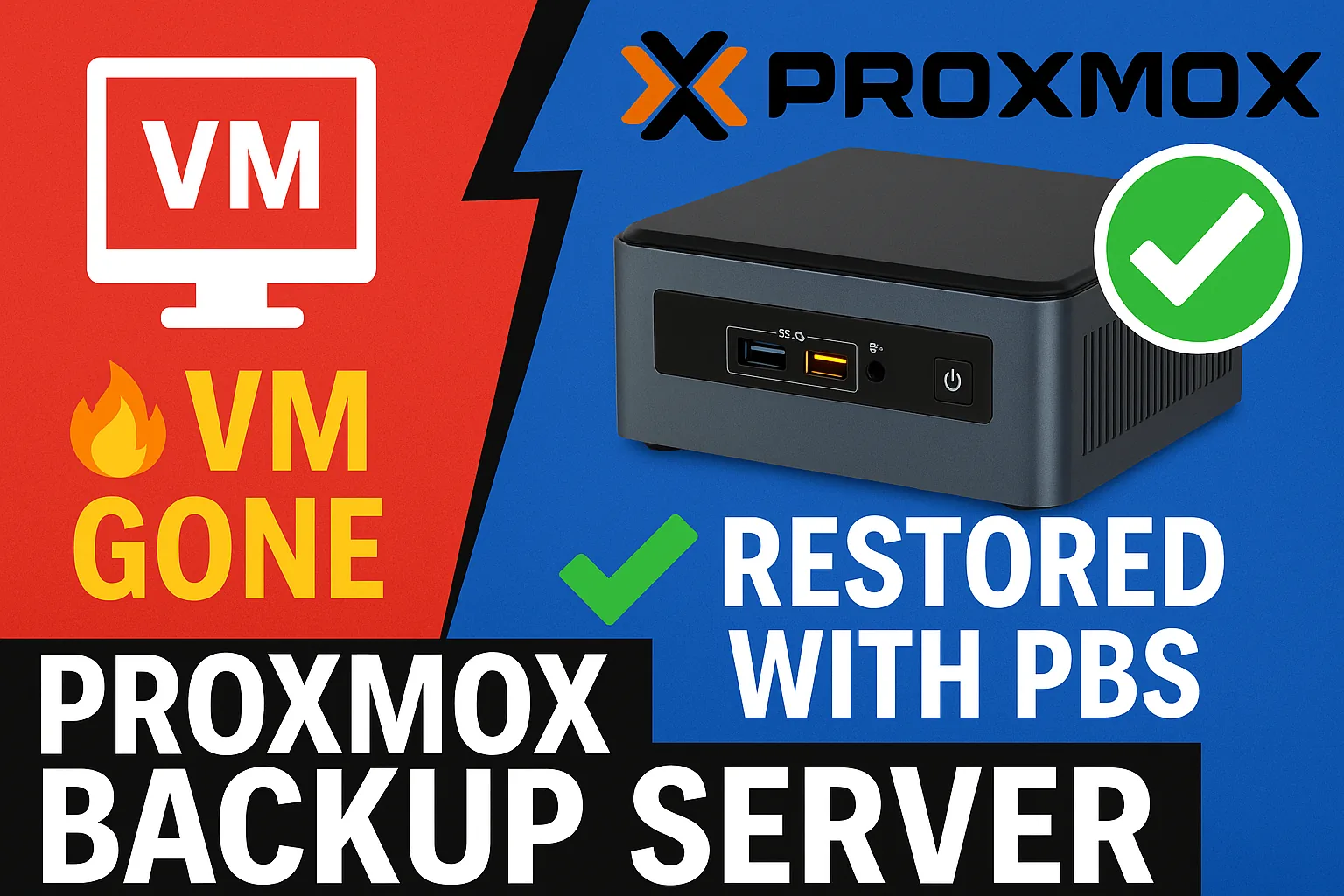
What Proxmox Backup Server is, why every Proxmox host should have one, and how to install it, add the datastore and schedule deduplicated VM backups.
Chapter 6 of the Hyper-V guide: full, incremental and differential backups, Windows Server Backup vs DPM and Veeam, scheduling, and restoring a VM.
Chapter 4 of the Hyper-V guide: VHD vs VHDX, fixed, dynamic and differencing disks, creating and attaching disks, expanding them and extending the volume.
Chapter 2 of the Hyper-V guide: create your first VM with the wizard, pick Generation 1 or 2, assign memory and a VHDX, install the OS, take checkpoints.
Chapter 1 of the Hyper-V guide: what Hyper-V is, which Windows Server and Windows 10/11 editions include it, system requirements and enabling the role.
Install WSL 2 and Docker Desktop on Windows, set up Dockge to manage containers and deploy a hello-world webserver by converting docker run to Compose.
Build a full RDS lab on Hyper-V from a Windows Server ISO with my HomeLab PowerShell project: VHDX template, then DC, domain join and RDS from JSON.
Hyper-V is hidden on Windows Home. This batch script adds the Hyper-V packages with DISM, then you switch it on with Enable-WindowsOptionalFeature.
Windows VMs on Proxmox blue-screened during MDT deployment until I added a driver fallback step with the VirtIO drivers and a PowerShell check.
Build a three-node Proxmox cluster with Ceph: create the cluster, join two nodes, install Ceph and OSDs, then run a VM on Ceph storage and live migrate it.
Video of a first Proxmox VE install: the country detection hang fixed by replugging the network cable, picking the disk and setting FQDN and static IP.
I moved the home lab to 2.5 Gbit with M.2 Realtek adapters and a temporary switch, and found the Windows Update driver caps the link at 1 Gbit.
I built a new home lab on three HP ProDesk 600 G4 Minis (i3-8100T, 32 GB, 2 TB NVMe) running Server 2019 Hyper-V, deployed via MDT, with 2.5 Gbit next.
Build a Hyper-V failover cluster on Windows Server Core with PowerShell: Failover Clustering, Test-Cluster, New-Cluster, shared storage, failover test.
Create a Generation 2 VM on Server 2022 Hyper-V, enable the virtual TPM that Windows 11 requires and run through the Windows 11 installation.
Build a sysprepped VM template in Hyper-V on Server 2022 and deploy VMs from it with the included PowerShell script: CPU, RAM, VLAN and disks.
Enable Data Deduplication on a Server 2022 Hyper-V host and configure it to shrink the storage used by VM templates and VMs that share the same data.
Install the Hyper-V role on Windows Server 2022 through Server Manager and PowerShell, then do the initial configuration before creating your first VM.