Proxmox Ceph Networking: Why I Split My 10GbE NICs
Building a 3-node Proxmox VE and Ceph cluster with only two 10GbE ports per node. Why bonding lost, and the four things that broke along the way.
Building a 3-node Proxmox VE and Ceph cluster with only two 10GbE ports per node. Why bonding lost, and the four things that broke along the way.
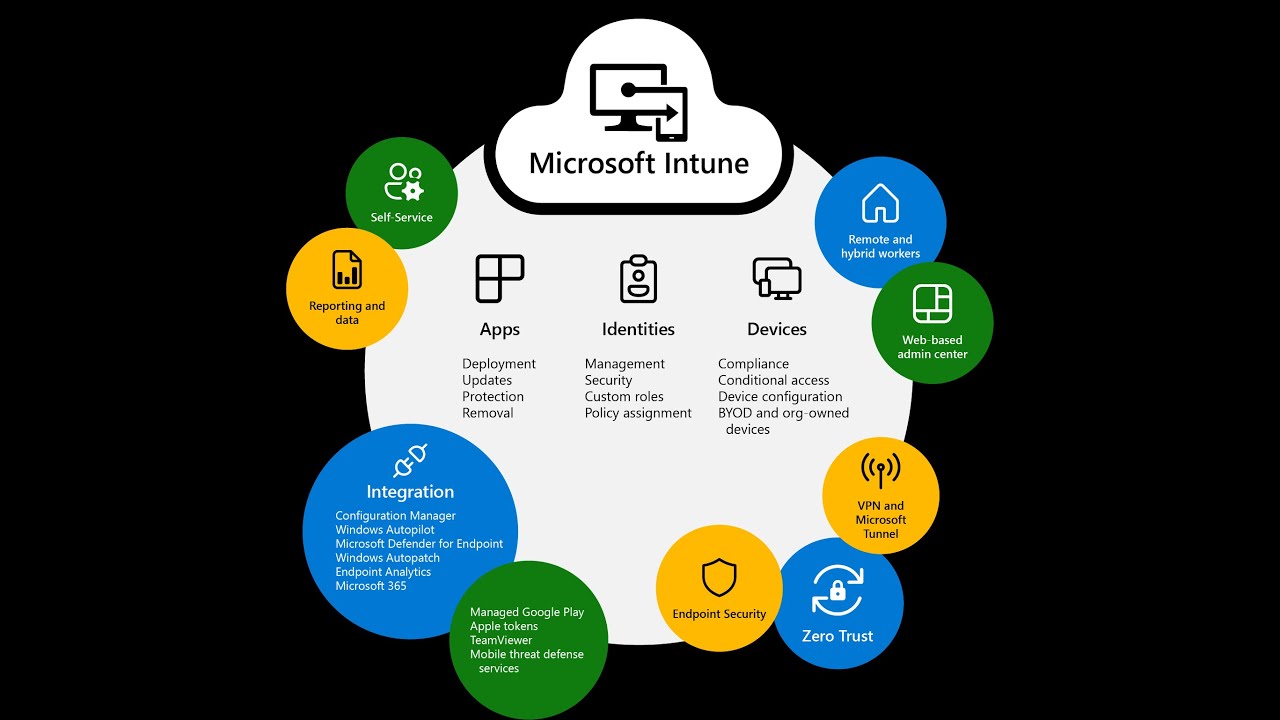
Build zero-trust remote access with CloudConnexa, free. Then wire SAML to Entra ID and push OpenVPN Connect through Intune with the Cloud ID pre-filled.
Host your first app on your own hardware with one Compose file and one command. No container experience, no subscription, real gotchas included.
You installed Proxmox, now what? The five first steps that take a home server from installed to solid: fixed IP, no root, snapshots, updates, docs.
Build a home server from nothing in about 30 minutes with Proxmox VE: flash the installer, create your first VM and run a useful service. No experience needed.
Claim the DigitalOcean $200 credit, create your first droplet, get off root, set up UFW and Fail2Ban in the right order, and make it ready for Docker.
Windows Server in-place upgrade blocked by Identity Management for UNIX: remove IDMU with DISM or comment out IDMUUpgradeComplianceCheck in compliance.ini.
Back up and restore Entra Conditional Access policies with PowerShell: export to JSON and import again through the Microsoft.Graph and Graph.Beta modules.
Part 7 of the Server 2022 RDS series: install the Azure MFA NPS Extension on the RD Gateway, plus the REQUIRE_USER_MATCH and number-matching registry keys.
Deploy Windows Hello for Business cloud Kerberos trust: create the Azure AD Kerberos server object, enable WHfB in Intune and push the cloud trust OMA-URI.
Video showing how to restore a full image backup from UrBackup onto a machine, completing the UrBackup server and client series.
In-place upgrade of a Server 2012 R2 domain controller to Server 2019: run adprep /forestprep and /domainprep first and check the supported upgrade paths.
Uninstall Azure AD Connect after a full cloud migration: disable the sync scheduler, turn off DirSync with Set-MsolDirSyncEnabled, then remove it.
Make SharePoint team site libraries sync automatically in OneDrive: copy the library ID, decode it with UnescapeDataString and set TenantAutoMount.
Run adprep /forestprep and adprep /domainprep /gpprep before an in-place domain controller upgrade, with the supported paths from Server 2008 to 2022.
Avoid duplicate users when linking an existing Office 365 tenant to AD Connect: scripts to match users, sync proxyAddresses and set ImmutableIDs.
Part 6 of the Server 2022 RDS series: add a second Session Host and configure it as a RemoteApp server so users run applications without a local install.
Deploy the UrBackup client to all servers and workstations with Group Policy software installation, following the UrBackup server install video.
Install a UrBackup backup server for the lab environment. Video walkthrough of the server installation, followed by client deployment in the next part.
Add company branding to the Azure AD sign-in experience of your tenant. Video continuation of the Hybrid Join and Intune setup series.
Set up Universal Print in Azure, install the Universal Print Connector on your print server, register printers and assign them to users and groups.
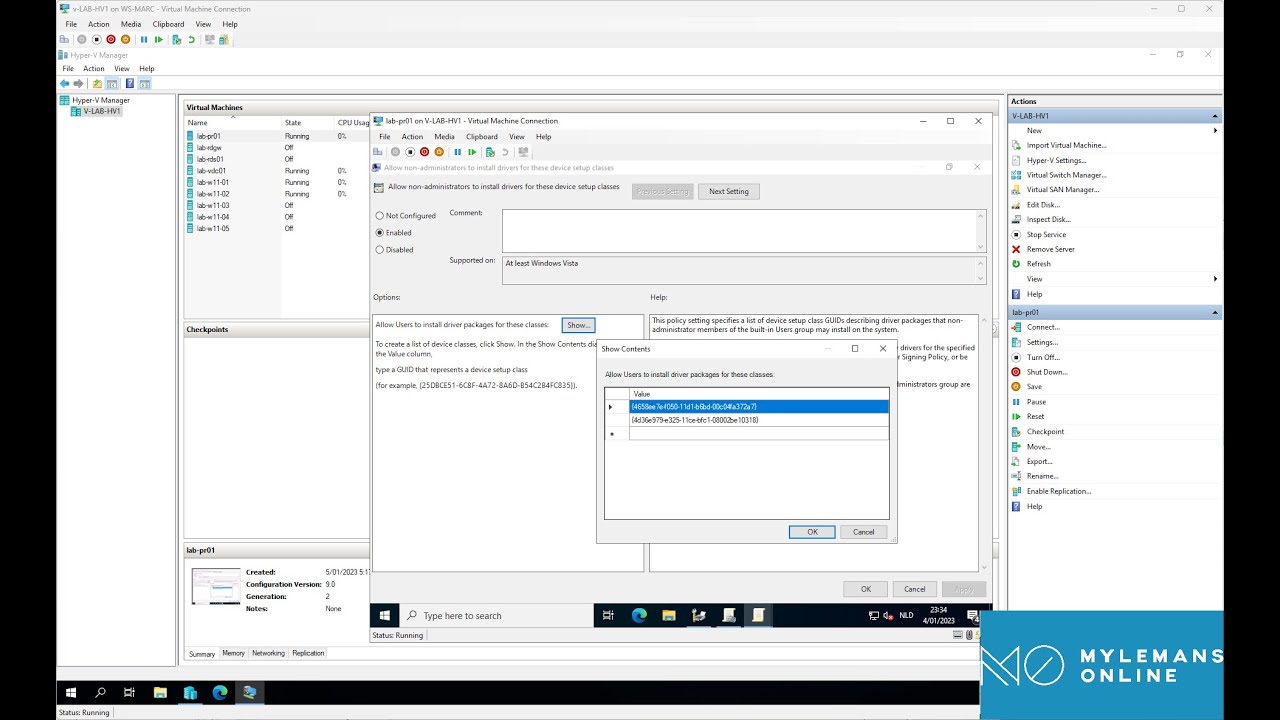
Let standard users install printer drivers on Windows 10/11 with one Group Policy: allow device installation for the Printer and PNPPrinters class GUIDs.
Configure the Point and Print Restrictions GPO on Server 2022 to trust your internal print server so clients install its drivers without elevation prompts.
Add the Print and Document Services role on Windows Server 2022, open Print Management, and deploy a shared printer to users with a Group Policy connection.
Part 5 of the Server 2022 RDS series: install the HTML5 Remote Desktop Web Client with the RDWebClientManagement module so users connect from a browser.
Part 4 of the Server 2022 RDS series: install Office 365 on a Session Host with shared computer activation so users sign in with their own licenses.
Part 3 of the Server 2022 RDS series: install and configure FSLogix so user profiles live on a file share instead of the Remote Desktop Session Host.
Strip local admins with Group Policy and give admin rights only to the workstation's Managed By user, via item-level targeting and two LDAP queries.
Autopilot for Hybrid Azure AD Join: install the Intune Connector for AD, create the OU, dynamic group, Autopilot profile and Domain Join profile.
Part 2 of the Server 2022 RDS series: create Group Policies for Remote Desktop Services that tune session performance and the user experience on the hosts.
Deploy the Office suite and apply Administrative Templates through Intune to Hybrid Azure AD joined Windows 11 devices from the earlier setup.
Set up Hybrid Azure AD Join for Windows 11 devices in an existing Active Directory and enable automatic MDM enrollment in Intune through Group Policy.
Install Azure AD Connect on Server 2022, start with a test group, add Seamless SSO via GPO and group-based licensing, then extend the sync to all OUs.
Part 1 of the Server 2022 RDS series: deploy Connection Broker, Session Host, Web Access and Gateway on two VMs with a Let's Encrypt certificate.
Import ADMX templates for Chrome, Edge, Foxit, OneDrive and Office into Active Directory and deploy third-party software with Group Policy on Server 2022.
Create Organizational Units in Active Directory on Server 2022 and build your first Group Policy Objects to manage users and computers from one place.
Fix the Windows 11 22H2 Remote Desktop bug by forcing RDP over TCP: a GPO with a WMI filter for 22H2 devices or the fClientDisableUDP registry value.
Join a Windows 11 workstation to an Active Directory domain: the prerequisites to check and the domain join steps shown in the video.
Install Active Directory Domain Services on Windows Server 2022, promote the server to a domain controller and set up the DNS role alongside it.
Create a Generation 2 VM on Server 2022 Hyper-V, enable the virtual TPM that Windows 11 requires and run through the Windows 11 installation.
Build a sysprepped VM template in Hyper-V on Server 2022 and deploy VMs from it with the included PowerShell script: CPU, RAM, VLAN and disks.
Enable Data Deduplication on a Server 2022 Hyper-V host and configure it to shrink the storage used by VM templates and VMs that share the same data.
Install the Hyper-V role on Windows Server 2022 through Server Manager and PowerShell, then do the initial configuration before creating your first VM.