

The blog
133 tutorials and war stories on homelabs, Windows Server, Microsoft 365, networking and security. Searchable, tagged, no pagination maze.
UrBackup - Installing the Backup Server
Install a UrBackup backup server for the lab environment. Video walkthrough of the server installation, followed by client deployment in the next part.
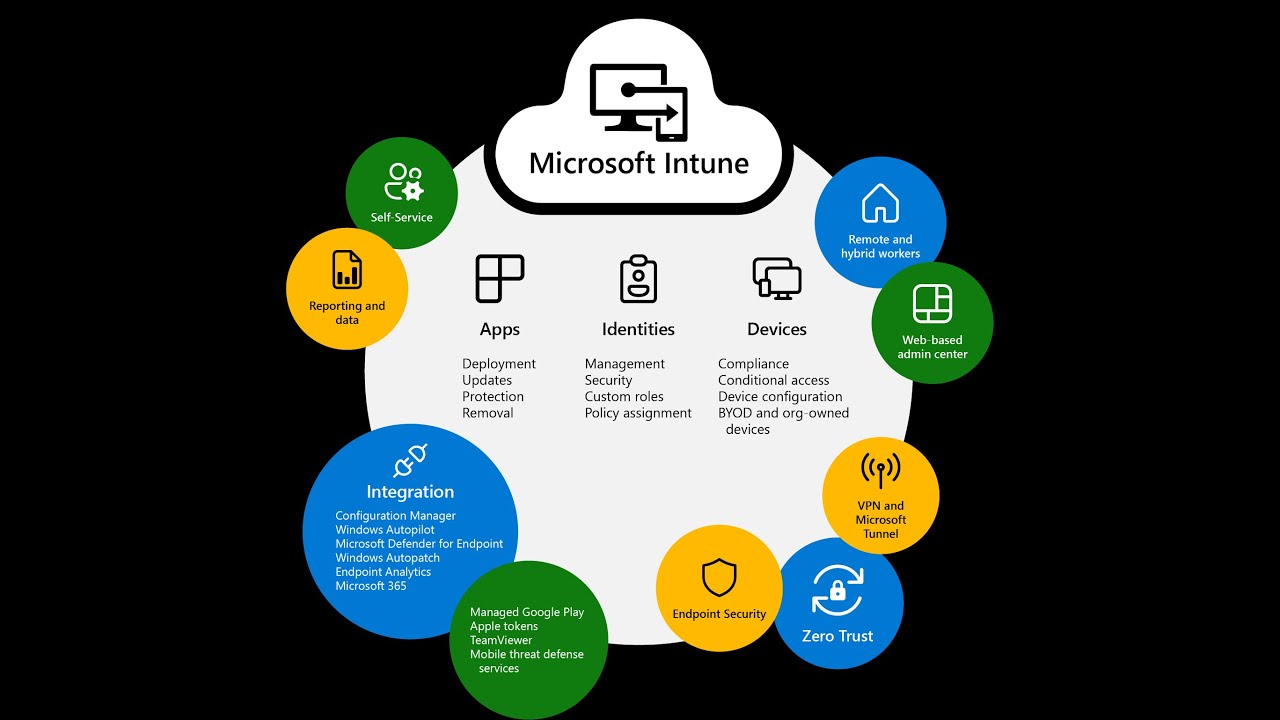
Azure - Company Branding
Add company branding to the Azure AD sign-in experience of your tenant. Video continuation of the Hybrid Join and Intune setup series.

Azure - Universal Print
Set up Universal Print in Azure, install the Universal Print Connector on your print server, register printers and assign them to users and groups.
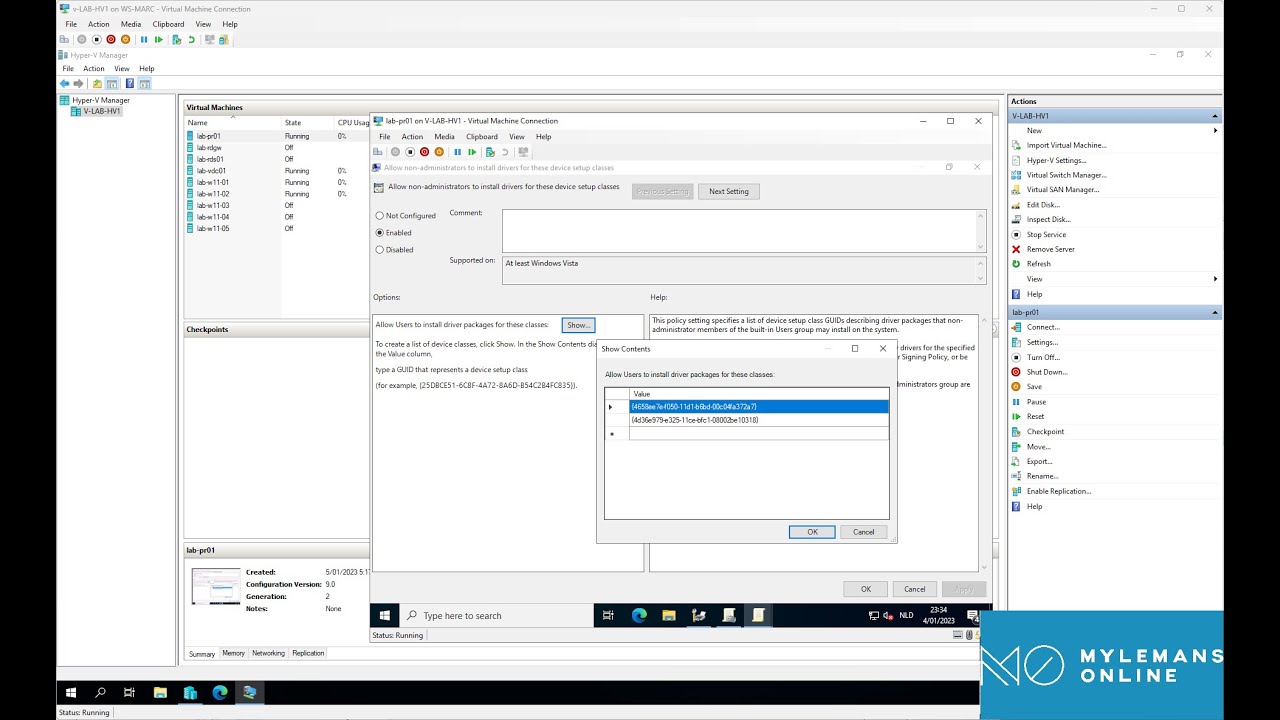
Allow Users to Install Printer Drivers Without Admin Rights
Let standard users install printer drivers on Windows 10/11 with one Group Policy: allow device installation for the Printer and PNPPrinters class GUIDs.

Point and Print: Trusted Print Servers via Group Policy
Configure the Point and Print Restrictions GPO on Server 2022 to trust your internal print server so clients install its drivers without elevation prompts.
Install Print Management on Windows Server 2022
Add the Print and Document Services role on Windows Server 2022, open Print Management, and deploy a shared printer to users with a Group Policy connection.
Windows hello - Disable PIN
Disable the Windows Hello PIN requirement on Windows 10 and 11 with a PowerShell script that sets the PassportForWork key and deletes existing PIN data.
Installing the Remote Desktop Web Client
Part 5 of the Server 2022 RDS series: install the HTML5 Remote Desktop Web Client with the RDWebClientManagement module so users connect from a browser.
Find Your Hyper-V VM’s Host Name with PowerShell
One PowerShell command that reads the Hyper-V guest registry key to tell you which Hyper-V host a VM is running on, handy when you manage several hosts.
Fix Error 8018000a: This Device Is Already Enrolled
Entra (Azure AD) join fails with 8018000a, device already enrolled: a PowerShell script removes the stale enrollment, then you delete the old device.