

The blog
133 tutorials and war stories on homelabs, Windows Server, Microsoft 365, networking and security. Searchable, tagged, no pagination maze.
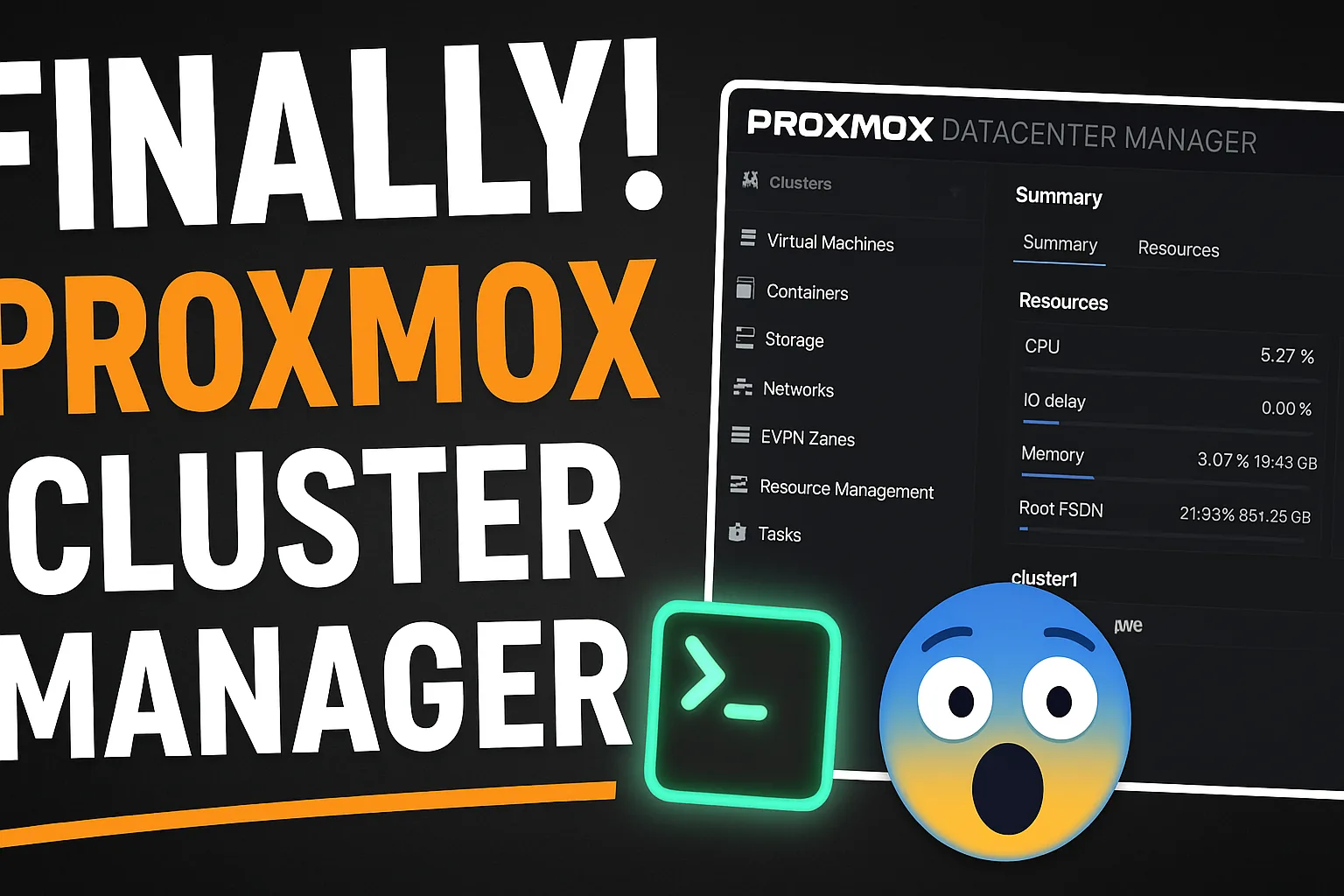
Proxmox Datacenter Manager Beta: Worth It for Homelabs?
A deep dive into Proxmox Datacenter Manager 0.9 Beta, central management for multiple Proxmox VE clusters, perfect for homelab users.

Proxmox Backup Server: Install and Configure Step by Step
What Proxmox Backup Server is, why every Proxmox host should have one, and how to install it, add the datastore and schedule deduplicated VM backups.
How to Migrate a Hyper-V VM to Proxmox (Step-by-Step Guide)
Step-by-step tutorial on migrating a Hyper-V virtual machine to Proxmox using qemu-img and VirtIO drivers.
DHCP Congestion on a /24: Superscopes Now, VLANs Later
DHCP congestion on a flat /24: how we bought time with temporary superscopes and a cleanup script, then fixed it properly with VLANs.
Finding Hidden Mailbox Archive Growth in Microsoft 365
Microsoft 365 mailboxes hit the 50 GB limit without warning. How I found hidden archive growth and built a PowerShell report to catch it early.

Upgrade Proxmox 8 to 9 Step by Step (pve8to9, Ceph, noout)
How to upgrade Proxmox VE 8.4 to 9 on a 3-node cluster: run pve8to9, upgrade Ceph to Squid first, set the noout flag, switch apt to Trixie and dist-upgrade.
Upgrade Ceph Reef to Squid on Proxmox (Before PVE 9)
Step-by-step Ceph 18 Reef to 19 Squid upgrade on Proxmox VE 8.4: repository switch, package upgrade, monitors, managers and OSDs one node at a time.
Self-Service AD Password Reset with Least Privilege
Let helpdesk staff reset AD passwords without admin rights: a delegated svc_passwordreset account, a Password Resetters group, LDAPS and a small Flask app.
PrivateGlue Walkthrough: One UI for Your Homelab
Walkthrough of PrivateGlue, my self-hosted Flask app for homelab documentation: device inventory with CSV import, encrypted credentials and Markdown notes.

DigitalOcean $200 Free Credit and First VPS Setup Guide
Claim the DigitalOcean $200 credit, create your first droplet, get off root, set up UFW and Fail2Ban in the right order, and make it ready for Docker.